Use familiar language.
Rename the grouping layer to match a Sprint, Event, Initiative, Job, Campaign, or custom workflow.

Use the words, statuses, types, colors, views, and notification settings your team already understands. Beck adapts without turning setup into its own project.
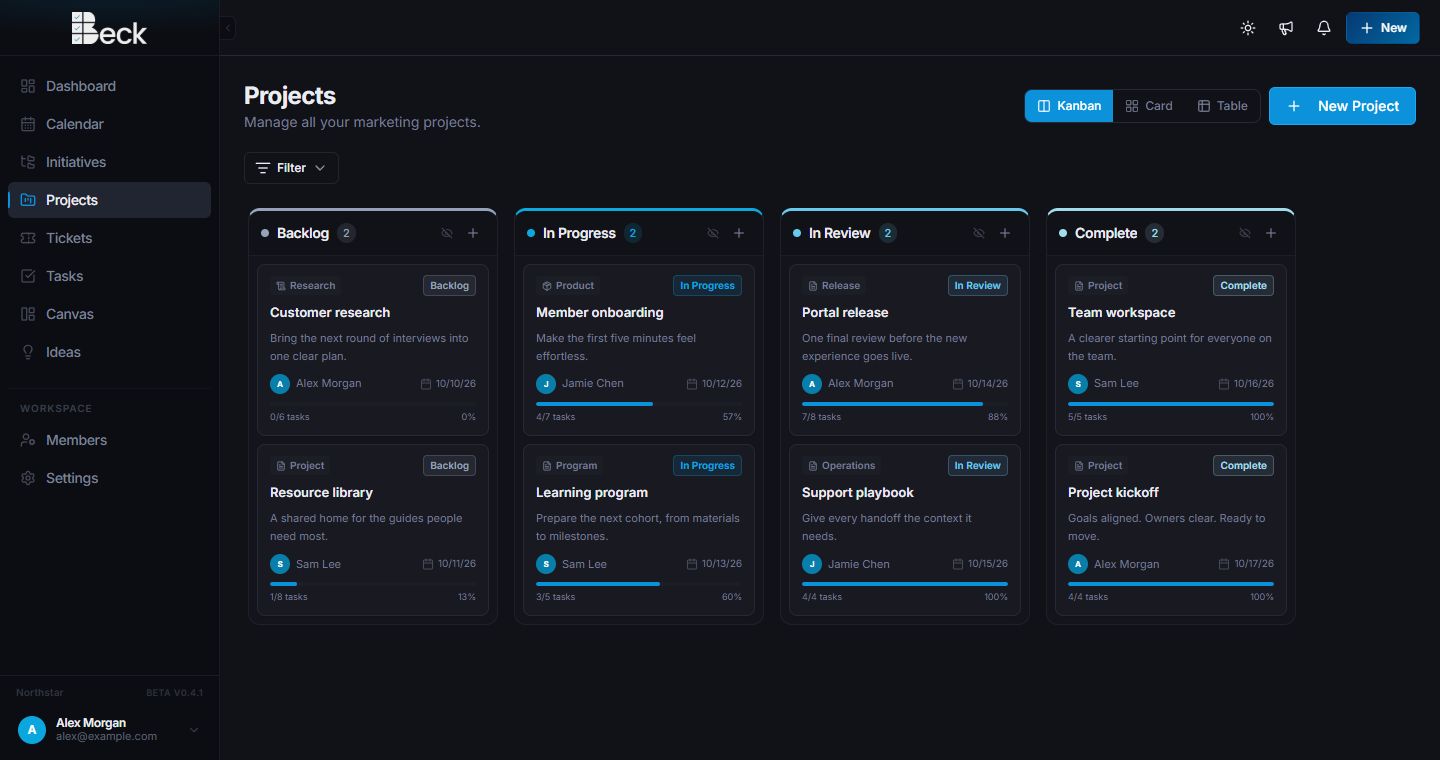
Make it yours
Rename the grouping layer to match a Sprint, Event, Initiative, Job, Campaign, or custom workflow.
Set project and group statuses, types, and color labels that mean something to the team.
Let teammates choose themes, views, filters, and notification preferences.
Workspace controls
TerminologyChoose how Beck names grouped work across the workspace.
Statuses and typesCreate the labels used to organize projects and Project Groups.
Colors and viewsUse visual labels, search, filters, and preferred browsing layouts.
Themes and notificationsSet display preferences and decide how updates should arrive.
Questions
Yes. Workspaces can choose the term for grouped work and define project and group statuses, types, and color labels.
Yes. The grouping layer is optional, so teams that only need projects can keep the workspace simpler.
Yes. Each person can manage supported channels and focus settings such as quiet hours, do not disturb, and vacation mode.
Start a conversation
Tell us what you manage and where work gets stuck. You’ll get a personalized walkthrough and a practical path into Beck.