Name the layer your way.
Use Sprint, Event, Initiative, Job, Campaign, Project Group, or a custom term.

Add a flexible layer above projects for a Sprint, Event, Initiative, Job, Campaign, or whatever your team calls it. If you do not need the layer, turn it off.
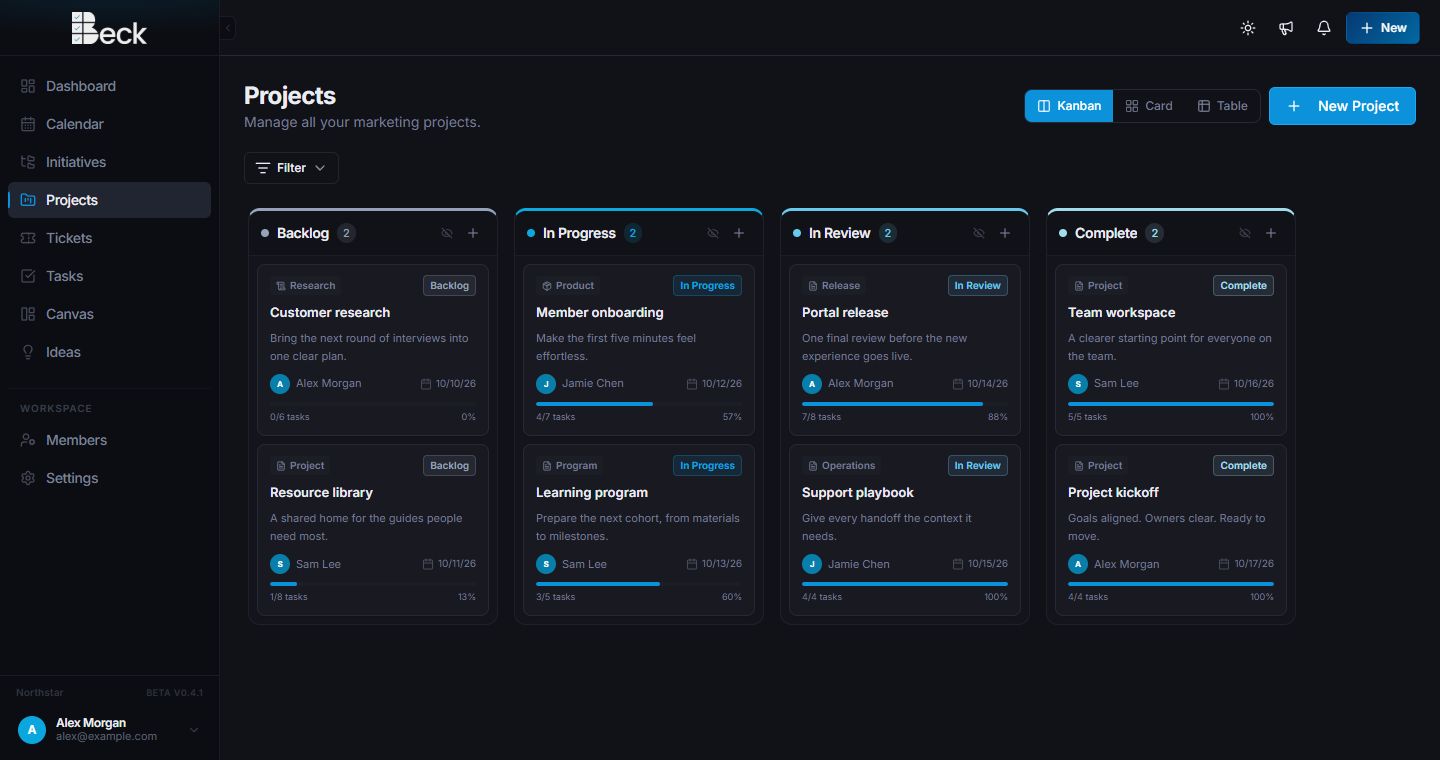
Structure that fits
Use Sprint, Event, Initiative, Job, Campaign, Project Group, or a custom term.
Keep a simple project list or add the grouping layer when the work calls for it.
Track the group and the projects inside it without losing individual ownership or status.
A useful middle layer
Group-level datesGive the larger effort a start and due date.
Group statusShow whether the broader initiative is planned, active, or complete.
Connected projectsKeep each project independently owned while showing where it belongs.
Calendar visibilitySee Project Groups alongside their projects and tasks.
Questions
Yes. A workspace can use a term such as Sprint, Event, Initiative, Job, or Campaign so Beck matches the way the team talks.
No. The grouping layer is optional, and a workspace can keep projects independent when that is simpler.
Yes. Group dates can appear with project and task dates in the shared team calendar.
Start a conversation
Tell us what you manage and where work gets stuck. You’ll get a personalized walkthrough and a practical path into Beck.